HubSpot to Salesforce migration services.
HubSpot has no tool that moves your data out. We design the mapping, clean the data before it loads, and rebuild your automation and reports in Salesforce.
- Measured before it moves
- The founders do the work
- Mapping agreed in writing
- Scoped before work begins
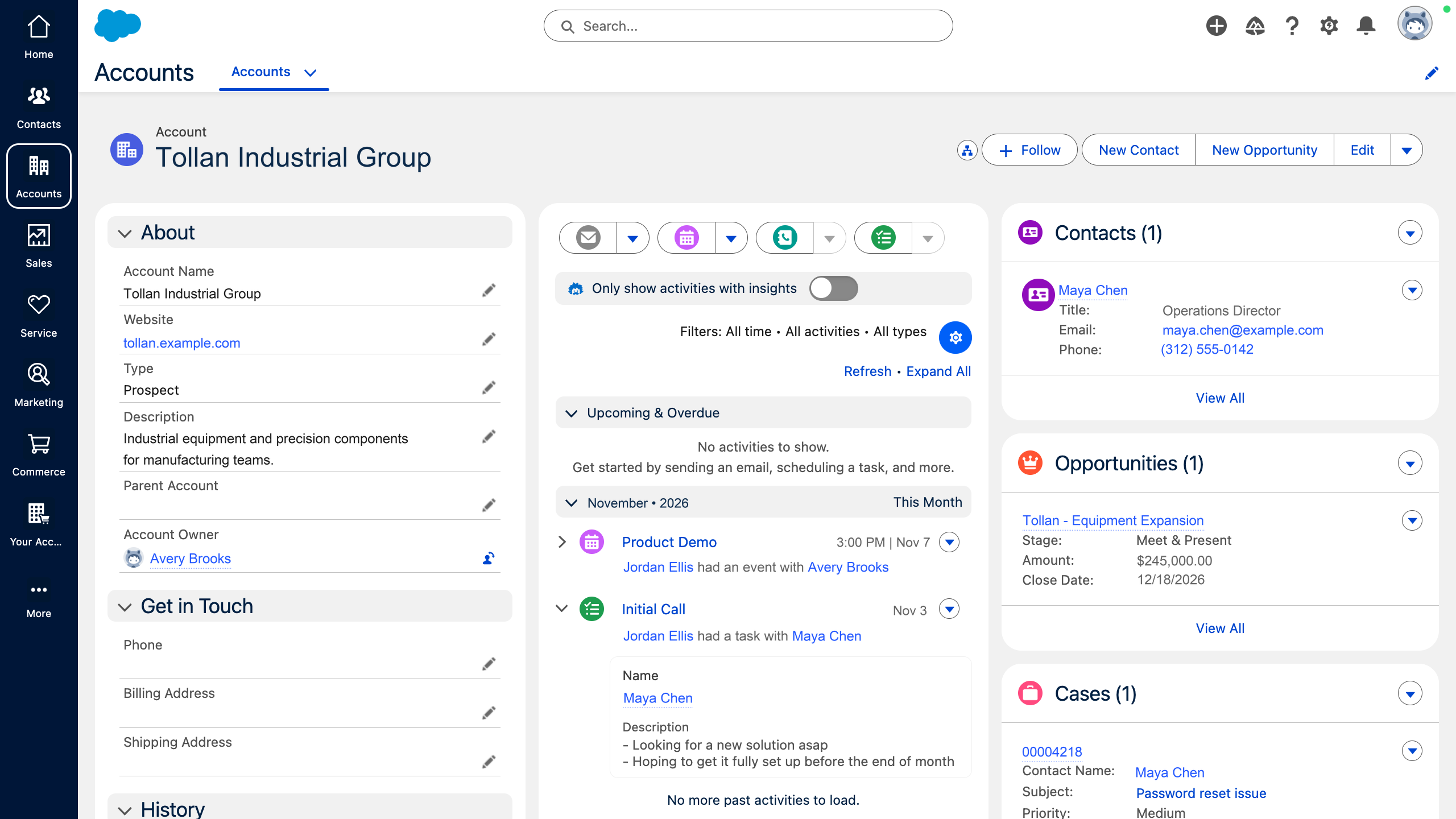
Salesforce is where the data lands. Atlas is our platform. It measures your HubSpot data before the move and the Salesforce org after. See Atlas →
We work in



Three tests to pass before you move.
Ask whoever is pushing for Salesforce what it will do that HubSpot can’t. Then hold the answer to these.
HubSpot to Salesforce: what changesConfirm the requirement.
Check it against what HubSpot does today, not against a preference from a past job. If the real problem is the data, the same data arrives in Salesforce.
Name the owner.
One person runs Salesforce administration after go-live. Without them, the new org fills with fields and automation nobody approved.
Write the mapping down.
If the mapping decisions don’t fit on one page, you are not ready to sign a Salesforce contract.
Where do HubSpot and Salesforce disagree?
On what a person is, and which company they belong to. Those two answers sit under every report you run today.
People
One contact record per person, with a lifecycle stage.
Leads and contacts are separate objects.
Companies
A contact can sit on several companies.
A contact has one direct account.
Duplicates
Two records can’t share an email address.
Two leads or contacts can share one.
Migration tool
Smart Transfer brings data in.
Nothing in HubSpot moves data out.
What does the mapping look like?
One page, agreed before a record moves. Four decisions carry most of the weight.
Where the lead line sits
Which lifecycle stages load as leads, and which as contacts on an account.
Which company is home
The one direct account for each contact.
What history travels
Activities, campaigns and attribution: move, rebuild or archive.
Who owns duplicates
The person who sets matching rules in Salesforce.
What gets retired
Properties nobody uses are not mapped.
Company→AccountMapContact: Subscriber, Lead→LeadSplitContact: Opportunity, Customer→Contact on an AccountSplitDeal→OpportunityMapDeal stage→Stage and forecast categoryRebuildPrimary company→Account Name, checked firstMapUnused properties→Not carried overDropWorkflows→FlowsRebuild
What do you check after the move?
The same things we measured before it. The free CRM Diagnostic runs on HubSpot first, and again on Salesforce after go-live.
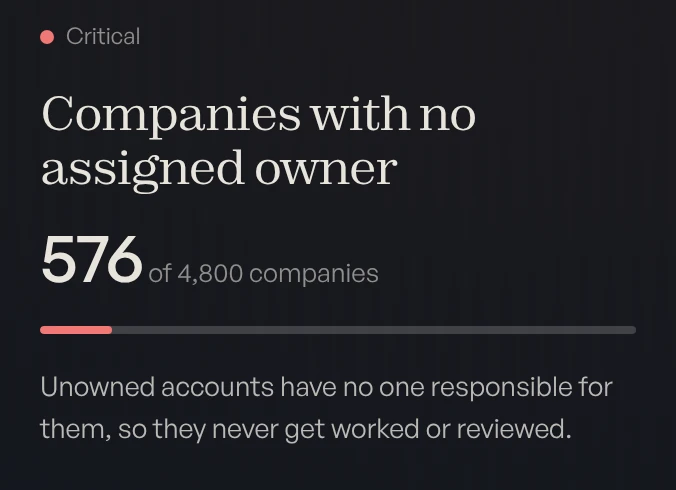
- OwnersEvery account and open opportunity has an owner who still works here.
- DuplicatesMatching rules catch new duplicates when a record is created.
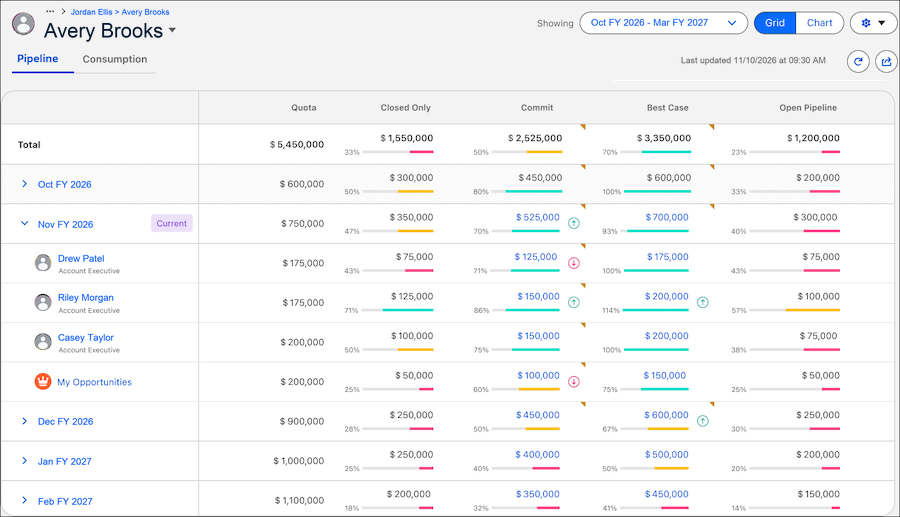
- ForecastStages and forecast categories mean the same thing to every rep.
HubSpot to Salesforce migration questions.
Is there a HubSpot tool that moves our data to Salesforce?
When is moving from HubSpot to Salesforce worth it?
What happens to our HubSpot contacts in Salesforce?
Does our activity history move?
How much does a HubSpot to Salesforce migration cost?
Who does the migration?
Find out what your CRM already knows.
Book a free, read-only diagnostic. We connect to your CRM, run 40+ checks across data quality, pipeline hygiene and ICP fit, and deliver a scored report within hours. Then we walk you through every finding live.
Book your free diagnostic