Pipedrive to HubSpot migration services.
Most of the move is documented. The trouble is in the gaps: data that crosses only once, close dates HubSpot rebuilds, and duplicates that arrive on day one. We plan for all three.
- HubSpot developers
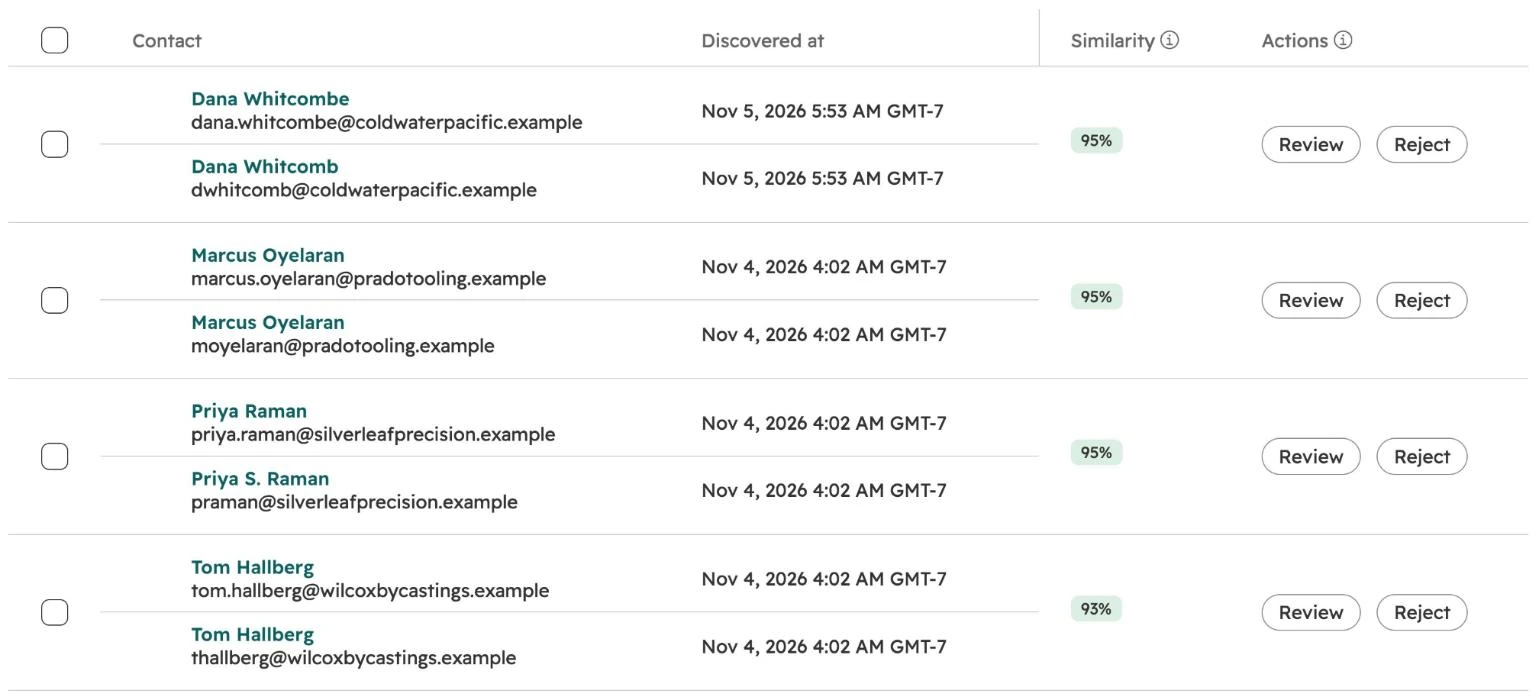
- Duplicates merged at the source
- A planned cutover date
- Scoped before work begins

HubSpot is where the data lands. Atlas is our platform. It measures your Pipedrive data before the move and the HubSpot portal after. See Atlas →
We work in



What transfers from Pipedrive to HubSpot?
Core records keep syncing. Four kinds of data move once and stop. Leads are not in the mapping at all.
People, organizations, deals
Become contacts, companies and deals, and keep syncing.
Activities
Sync with a Data Hub subscription. Logged emails do not.
Participants and line items
Move once, after the first sync.
Leads
Need their own plan, such as an import.
Close dates
Rebuilt in HubSpot from Pipedrive’s dates.
Person→ContactSyncedOrganization→CompanySyncedDeal→DealSyncedActivities→Meetings, calls, tasksSyncedDeal participants→Contact associationsOnceProducts on deals→Deal line itemsOnceLeads→Not in the mappingPlanWon time, lost time→Close dateRebuild
Smart Transfer, or an export and import?
There are two ways in. Your HubSpot subscription and your activity history decide which.
Who can run it
Super Admins only.
Run the export as a global admin, or records go missing.
Custom fields
Mapping them needs a Data Hub subscription.
Mapped by you, column by column.
After the first load
Keeps syncing in the background.
One load. Imported activities can’t be updated.
Activities
Synced with Data Hub. Logged emails are not.
Exported separately from deals and contacts.
What goes wrong, and when?
A Pipedrive to HubSpot move breaks in a known order. Each stage has one check that catches it.
Before the sync
Match fields
People with no email and organizations with no website give HubSpot nothing to match on.
The checkMerge duplicates in Pipedrive.First sync
Mappings
Records start arriving before anyone has confirmed where each field goes.
The checkTurn off automatic sync first.Cutover day
One-time data
Anything added in Pipedrive after the one-time transfer stays there.
The checkName the day Pipedrive stops.First review
Close dates
HubSpot rebuilds one close date from several Pipedrive dates.
The checkCompare a sample of deals.
What should you read first?
Three papers on this move and what follows it.
Pipedrive to HubSpot: what transfers.
The full playbook, in the order things go wrong.
What HubSpot Smart Transfer misses.
The general limits of the tool, and what to check first.
Why HubSpot duplicates come back.
How to keep duplicates out once the portal is live.
HubSpot implementation.
Pipelines, properties, routing and reports built around how you sell.
Pipedrive to HubSpot migration questions.
What transfers from Pipedrive to HubSpot?
Should we use HubSpot Smart Transfer or an export and import?
Why do duplicates appear in HubSpot after the move?
Why do close dates look wrong after the move?
How much does a Pipedrive to HubSpot migration cost?
Who does the migration?
Find out what your CRM already knows.
Book a free, read-only diagnostic. We connect to your CRM, run 40+ checks across data quality, pipeline hygiene and ICP fit, and deliver a scored report within hours. Then we walk you through every finding live.
Book your free diagnostic