Pipedrive to Salesforce migration services.
Salesforce asks questions Pipedrive never did: is this person a lead or a contact, and which account do they belong to? We answer them before your data loads.
- Measured before it moves
- The founders do the work
- Mapping agreed in writing
- Scoped before work begins
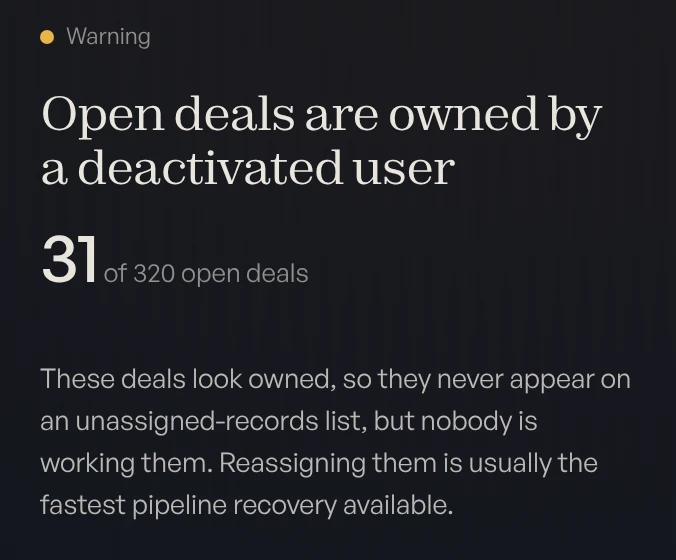
Salesforce is where the data lands. Atlas is our platform. It measures your Pipedrive data before the move and the Salesforce org after. See Atlas →
We work in



Where does each Pipedrive record land?
On one Salesforce account page. An organization becomes the account, and everything attached to it hangs off that record.
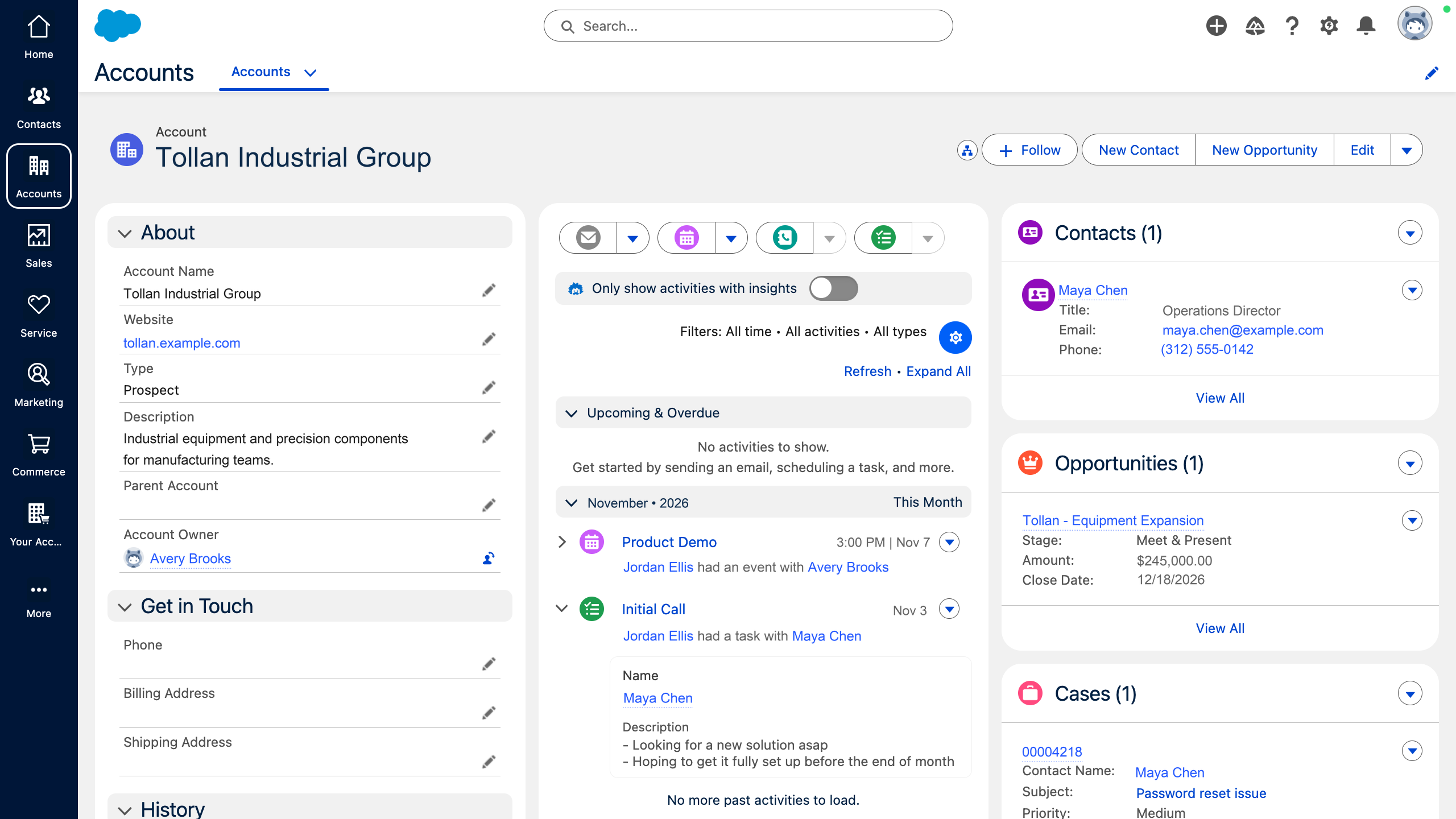
- OrganizationsBecome accounts.
- PeopleBecome contacts on that account.
- DealsBecome opportunities.
- ActivitiesBecome tasks and events.
What does Salesforce ask that Pipedrive didn’t?
Four things. Each one is a decision to make before the load, not a setting to fix after it.
Leads
Leads wait in an inbox, then become deals.
A lead converts into an account, a contact and an opportunity.
People
A person can exist with no organization.
A contact with no account is private to its owner.
Pipelines
Several pipelines, each with its own stages.
Sales processes and record types.
Forecast
A probability on each stage.
A probability and a forecast category on each stage.
What does the mapping look like?
One sheet, agreed before a record loads. Most of the risk is in the first two steps.
Measure
The free CRM Diagnostic scores your Pipedrive data, read-only.
Clean
Duplicates are merged in Pipedrive, and unused custom fields are retired.
Map
Each record type and field gets a home in Salesforce, or is left behind.
Load
A sample first, checked against Pipedrive, then the full load.
Rebuild
Stages, forecast categories and reports are built in Salesforce.
Organization→AccountMapPerson, with organization→ContactMapPerson, no organization→Lead, or a new accountSplitDeal→OpportunityMapLead→LeadMapPipeline and stages→Sales process and stagesRebuildActivities and notes→Tasks, events and notesMapUnused custom fields→Not carried overDrop
Pipedrive to Salesforce migration questions.
How do Pipedrive records map to Salesforce?
What happens to people with no organization?
Do our Pipedrive pipelines carry over?
Does our activity history move?
How much does a Pipedrive to Salesforce migration cost?
Who does the migration?
Find out what your CRM already knows.
Book a free, read-only diagnostic. We connect to your CRM, run 40+ checks across data quality, pipeline hygiene and ICP fit, and deliver a scored report within hours. Then we walk you through every finding live.
Book your free diagnostic